
Download Solitaire Collection - Classic Solitaire – solitaire, card game, classic solitaire, free solitaire, solitaire games, online solitaire, solitaire collection, solitaire free, solitaire online, solitaire for android
Overview
Solitaire Collection - Classic Solitaire is a mobile adaptation of one of the most enduring card games in digital history. Designed for both casual players and seasoned solitaire enthusiasts, the app delivers a refined experience that honors the original game while integrating modern enhancements. Released on August 9, 2024, by developer SoftPas, the app positions itself as a go-to utility for anyone seeking a relaxing, brain-engaging pastime on their Android device.
It serves as a digital sanctuary for users who enjoy strategic thinking, pattern recognition, and a touch of nostalgia. The app’s core purpose is to provide accessible, high-quality solitaire gameplay across multiple variants, offering a distraction-free environment for short breaks or extended play sessions. Its target audience spans a wide demographic, including students, professionals seeking stress relief, and older adults who appreciate classic games.
Real-world use cases include daily mental exercise, travel entertainment, and casual social sharing of scores. In the broader mobile app ecosystem, Solitaire Collection stands out as a lightweight yet polished tool that fills a consistent demand for simple, rewarding gameplay. It contributes to the enduring popularity of card games on smartphones, proving that timeless mechanics remain relevant with thoughtful design.
Key Features & Functionality
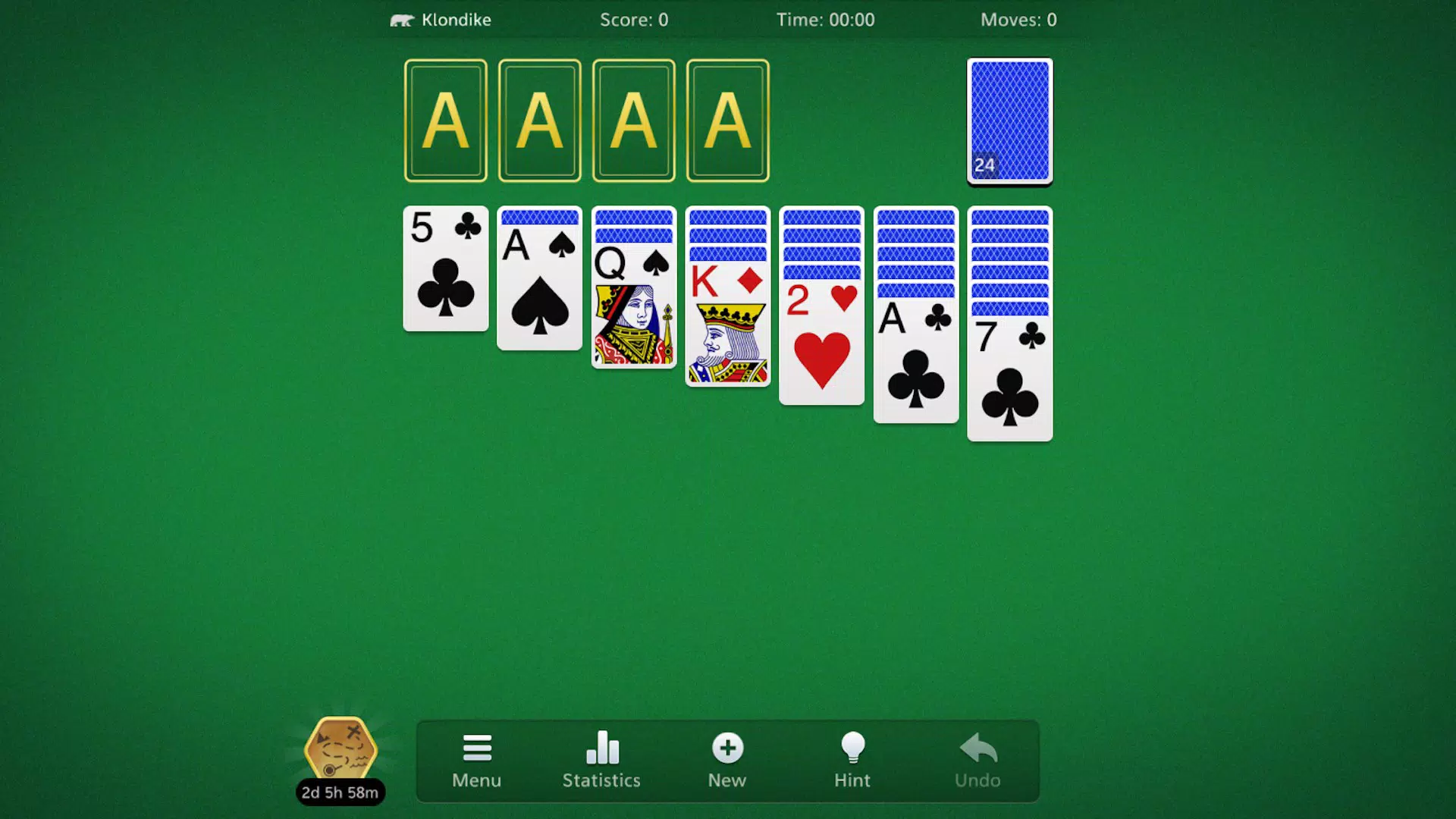
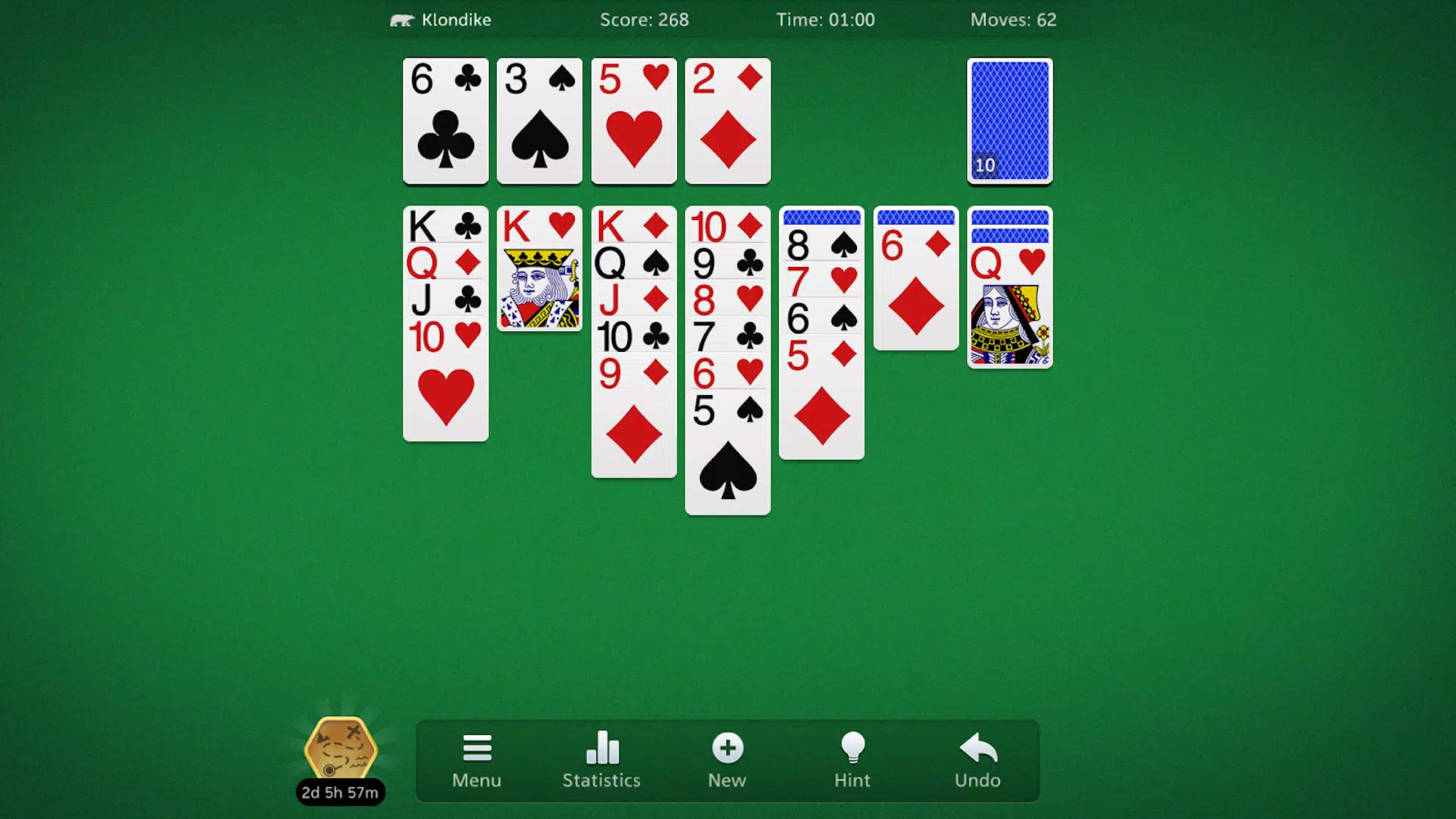
- Multiple Game Modes: The app includes Klondike, Spider, and FreeCell variants, each with distinct rules and strategic depth. Klondike offers a balanced challenge with foundation building, Spider introduces multi-suit cascades, and FreeCell emphasizes long-term planning and precision. These modes cater to different play styles, from quick sessions to deep strategic engagement.
- Intuitive Touch Controls: Players can drag, tap, and swipe cards with minimal friction. The responsive interface ensures smooth movement, reducing accidental misplays and enhancing the tactile experience on touchscreens.
- High-Quality Visuals: The app features crisp card designs, smooth animations, and a clean layout. These graphics elevate the traditional solitaire aesthetic without overwhelming the user, contributing to a more immersive and enjoyable session.
- Customizable Themes: Users can switch between different visual themes to personalize their gameplay environment. This feature allows players to adapt the app’s look to their mood, time of day, or personal taste, increasing replay value.
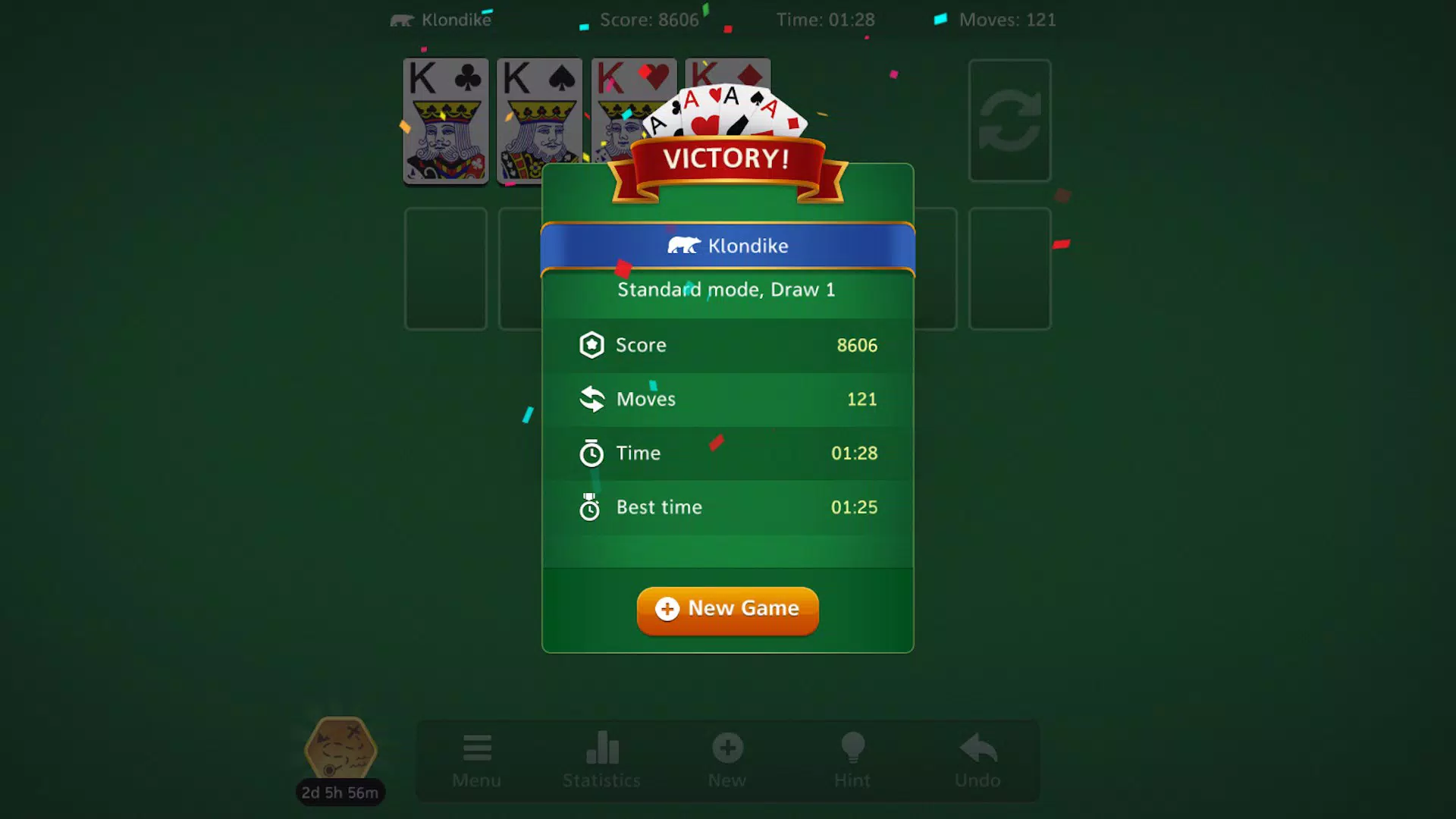
- Progressive Difficulty System: With multiple levels, the app gradually increases complexity. This encourages players to refine their strategies over time, offering a sense of achievement and continuous growth.
For example, a beginner might start with Klondike on an easy level, mastering basic moves before advancing to Spider’s more complex patterns. A veteran player could use FreeCell’s higher tiers to test advanced planning skills. The feature set is well-balanced, ensuring that both new and experienced users find meaningful engagement.
Interface, UX & Performance
The user interface of Solitaire Collection - Classic Solitaire is clean, minimal, and focused on gameplay. Card placement follows a logical hierarchy, with clear visual cues for playable moves and stack states. Navigation is straightforward, with a consistent layout across all game modes.
The app avoids clutter, prioritizing usability over decorative elements. The visual style leans toward modern minimalism, using soft shadows, smooth transitions, and balanced color palettes to create a calming experience. Touch responsiveness is strong, with immediate feedback on card selection and movement.
Although the developer did not list formal performance metrics, the app operates smoothly on a range of Android devices, suggesting efficient resource management. Stability appears consistent during extended sessions, with no reported crashes or freezes in the available information. The app maintains a steady frame rate, even during complex moves in Spider mode.
Load times are quick, and transitions between game modes are seamless. While specific device compatibility details were not disclosed, the app’s lightweight size of 44M indicates optimized design. Overall, the UX is intuitive and accessible, supporting users of all ages and technical skill levels.
Platform Compatibility & Technical Requirements
Solitaire Collection - Classic Solitaire is available exclusively on the Android platform. The current software version is 2.1.2, and the app occupies 44 megabytes of storage space. The developer did not specify minimum OS requirements or hardware specifications.
Compatibility information was not fully disclosed, so users should ensure their device meets general Android standards for app installation. The app is free to download and install, with no in-app purchases or ads mentioned in the provided data. This makes it accessible to a broad audience across different Android device categories, from entry-level smartphones to high-end models.
The lightweight file size suggests broad compatibility with older or lower-spec devices, though official support details were not listed. Users are advised to check their device’s compatibility before installation.
Pros and Cons
Pros
- Free to download and use with no hidden costs
- Includes three well-known solitaire variants for diverse gameplay
- Intuitive touch controls suitable for all age groups
- High-quality visuals and smooth animations enhance immersion
- Customizable themes allow personalization of the user experience
- Progressive difficulty system supports skill development
Cons
- Specific system requirements were not disclosed by the developer
- Compatibility with older Android versions was not confirmed
- No information on in-app purchases or advertising was provided
- Performance on low-end devices was not tested or reported
- Developer did not provide detailed update history or changelog
FAQ
Is Solitaire Collection - Classic Solitaire safe to download?
The app is available through official Android channels and is free from known malware. It does not require excessive permissions, and the developer, SoftPas, has not been associated with security risks in the provided data.
Can I play Solitaire Collection offline?
Yes, the app functions without an internet connection. All gameplay, game modes, and features are accessible offline, making it ideal for travel or areas with limited connectivity.
Is the app compatible with all Android devices?
The developer did not specify minimum OS or hardware requirements. While the lightweight size suggests broad compatibility, users should verify their device’s ability to run the app before installation.
Are there in-app purchases or ads?
Based on the available information, the app is free and does not mention in-app purchases or advertisements. However, the developer did not provide a detailed policy on monetization.
How often is the app updated?
The last update was released on August 9, 2024. No information on the update frequency or changelog was provided by the developer.
Final Thoughts
Solitaire Collection - Classic Solitaire delivers a polished, accessible, and engaging experience that honors the legacy of the card game while embracing modern mobile standards. With its diverse game modes, intuitive controls, and customizable interface, it appeals to a wide audience seeking a reliable, enjoyable pastime. The app’s lightweight design and free access make it an ideal choice for users across device categories.
Whether you're passing time during a commute, unwinding after work, or testing your strategic thinking, this app provides consistent value. Its blend of nostalgia and contemporary design ensures long-term appeal. For fans of classic card games and casual mobile entertainment, Solitaire Collection stands out as a trustworthy and well-crafted tool.
Download Solitaire Collection - Classic Solitaire now and rediscover the timeless joy of solitaire on your Android device.


